
- 多媒體
- 免費線上工具
- 支援
-

 Fast and Simple to Use
 No Account Needed
 100% Free Access
It is a fully web-based Newgrounds video downloader, requiring no installation, extensions, or third-party apps. You can quickly and easily download videos on Newgrounds in a few clicks, whether it is on a desktop, laptop, tablet, or even a phone. Nothing to install; simply write your video link, press the download button, and after a few seconds, your video will be stored locally.
It is a completely functional Downloader and operates on all the major operating systems and browsers. It has been particularly advantageous in common areas, where installing software is not feasible, such as libraries or school computers. The downloads are securely performed on a cloud server in the distance, which offers speed, high degrees of dependability, and a free-flowing experience without any interruption each time.
We guarantee all videos downloaded through Newgrounds Video Downloader will be in the standard MP4 format, which is the most cross-platform-friendly video file format with options to play on desktop and mobile. No matter the platform, whether it is Windows, macOS, Android, or iOS, the downloaded content will be displayed without issues in the default media player, and no other software is required.
In addition to compatibility, the Downloader downloads videos in full resolution where possible. It maintains the source quality of animations, audio, and movement. No matter what you are downloading, be it a cartoon, a short, or a gameplay video - the MP4 format maintains sharp visuals and smooth video. This not only makes the tool perfect to watch casually but also allows you to store high-quality clips there that can be edited, shared, or archived in your library.


This tool is highly concerned about your privacy and security. Downloads are managed through secure, cloud-based servers that neither collect nor store personal data. No software or browser extensions are required, so there is no malware threat or annoying pop-ups. It is a fully web-based solution, so you can rest assured that it is downloading your favorite Newgrounds content.
The simplified procedure is also fast and easy. Copy your video URL and use the download button to get your file in a few seconds. No ads, no waiting rooms, and no verification emails, just a clean, efficient experience when and how you want it. The speed and safety of the tool make it easy to use, whether you are downloading one piece of clip or several videos.

Newgrounds allows users to download animations, trailers, or gameplay clips to be displayed as a form of creative reference or offline study.

Utilize educational animations, compact films, or comment-style videos for use in schools or media studies.

Save the animations, shorts, or old Flash videos you like on Newgrounds before they either get removed or become unlisted.
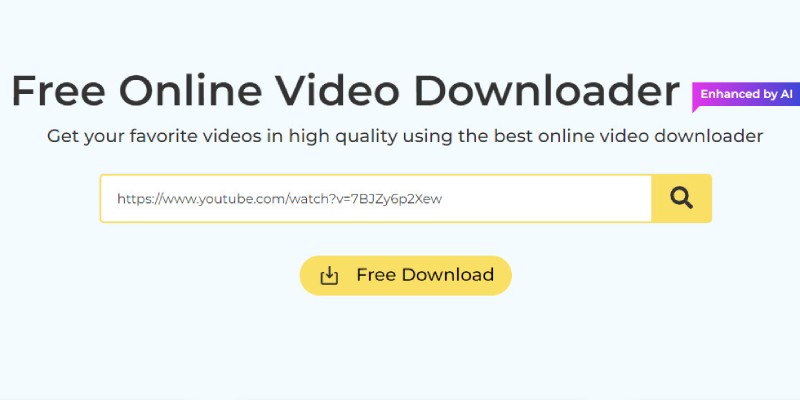
To begin with, go to the official Newgrounds page on your browser. Search the site and locate the video, animation, or game cut scene you wish to download. After a selection is made, one can copy the video's URL by pasting it just below the address bar.
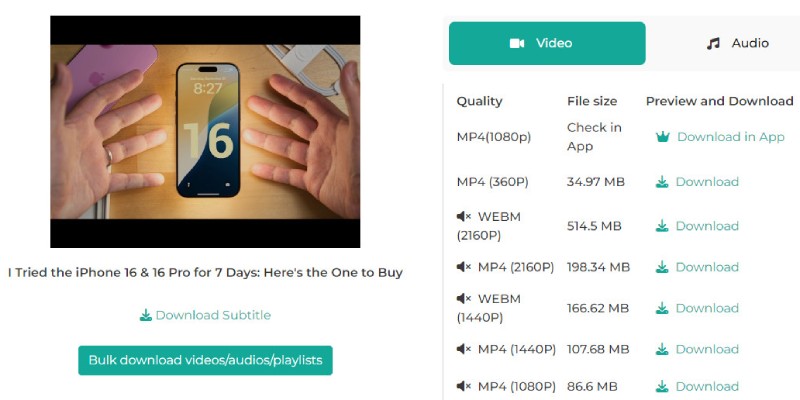
Visit our Newgrounds Video Downloader online tool now. Please copy the link and paste it into the input field created and press Enter. The tool will initiate the analysis of the video source and prepare it for download, offering you choices of formats and qualities.
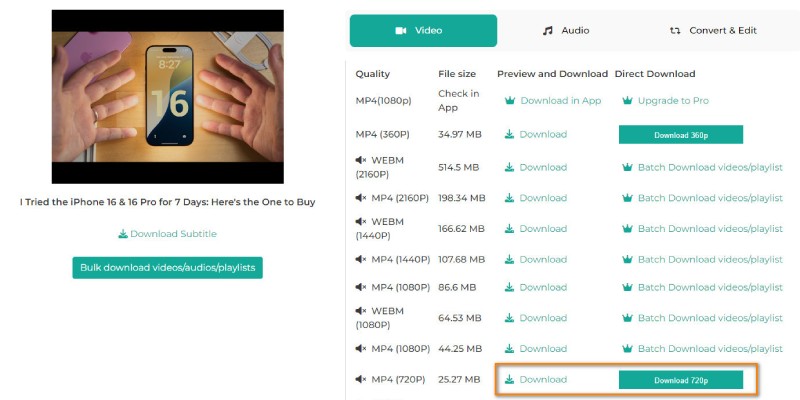
Pick the video format you want; universal compatibility is better, so choose an MP4 format. When this is done, click the "Download" button. Your video will take a few seconds to be processed and stored on your device, allowing you to view it offline or edit it.
To download a video, you should go to the Newgrounds site and copy the link to the video you need. Next, copy the URL to the input field on our Downloader and download. The tool will analyze the video and give you options for download formats and available qualities. Just select your preference and store it on your device.
Yes, the tool is completely mobile compatible with Android and iOS devices. No apps to be downloaded, visit the site, copy the video link, and download the video directly to your phone or tablet. It is responsive and is designed to work great on smaller screens, so you have the same fast experience that you would on a desktop.
Newgrounds videos are often downloaded in the MP4 format, which is compatible with almost every modern device and multimedia player. The format provides decent quality, balanced with the file size, which makes it suitable for both playback and editing. When extra formats appear in the analysis procedure, the tool will offer you to select from the available.
There is no fixed limit, but larger files (such as long animations or HD content) may take more time to process and download. The speed of the download may also vary depending on your internet connection and device performance. For best results, we recommend downloading videos under 1 GB in size to ensure a smoother experience.
There is no need to sign up, create an account, or install the tool. It operates in your browser and does not need extensions or additional programmes. This makes the process quick, safe, and available to any device that provides an internet connection.
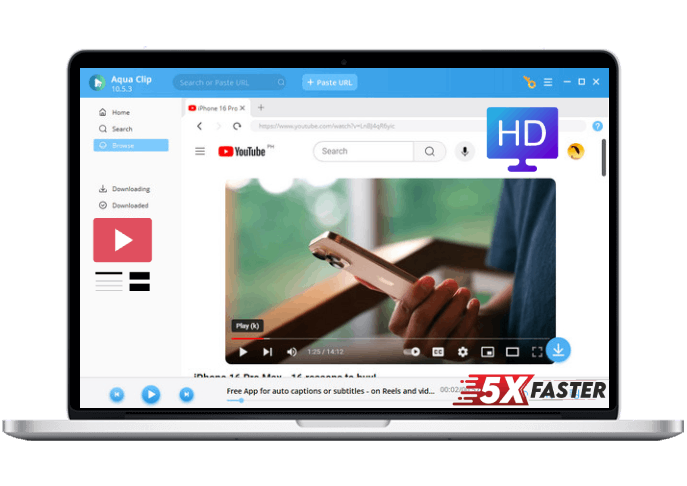









 Aqua Clip