
- 多媒體
- 免費線上工具
- 支援
-

 Secure and Reliable
 Immediate Technical Response
 No Fee Required
When you download Tubi TV videos using this tool, you can enjoy them in crisp HD quality for the best viewing experience. It supports downloading videos in various resolutions, ranging from 240p to 720p. So if you're watching on your phone, tablet, or TV, the clarity stays impressive.
Furthermore, this tool supports popular video formats like MP4, MOV, and AVI, so your files work on almost any device. That said, you can freely choose the video format and resolution that best suits your viewing experience, ensuring a blur-free experience. This also makes it easy to store more videos without filling up your storage.
With this feature, you don't have to rename files manually after you download Tubi videos free. The tool automatically saves videos with their original titles, so you can easily find what you need later. It's a simple but powerful way to keep your video library neat and organized.
This also saves you time, especially when you're downloading multiple episodes or movies. No more guessing what a file is about or sorting through random numbers in file names. You can just download, store, and enjoy your videos right away.


Enjoy a smooth and distraction-free process with this TubiTV Video Downloader online free. There are no pop-ups, banners, or interruptions while you're grabbing your favorite shows. Meaning, you can focus entirely on downloading and watching your content.
Besides, you can make sure that this downloader site is safe to use. It also doesn't require you to install any software, which reduces the risk of viruses or malware. All downloads happen directly through your browser, keeping your device protected.

Easily save your favorite films and shows so you can watch them anytime without relying on the internet. This makes it perfect for enjoying long movie nights or binge-watching your favorite series offline.

Download videos once and watch them as many times as you want without using extra mobile data. It's an ideal way to avoid streaming costs and stay entertained on a budget.

Convert and store videos in the format and resolution that best suits your devices. This flexibility lets you enjoy smooth playback whether you're on a computer, phone, or TV.

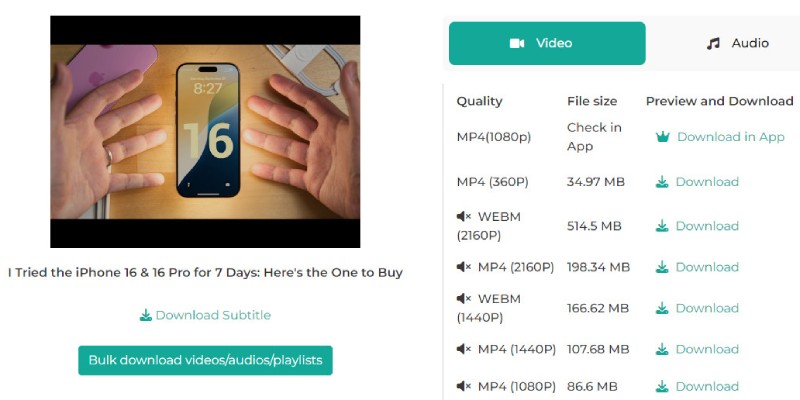
Visit Tubi TV's official website on your browser. Then, search for the video you want to download. Then, get its link on the address bar or click the "Share" button and copy its link.
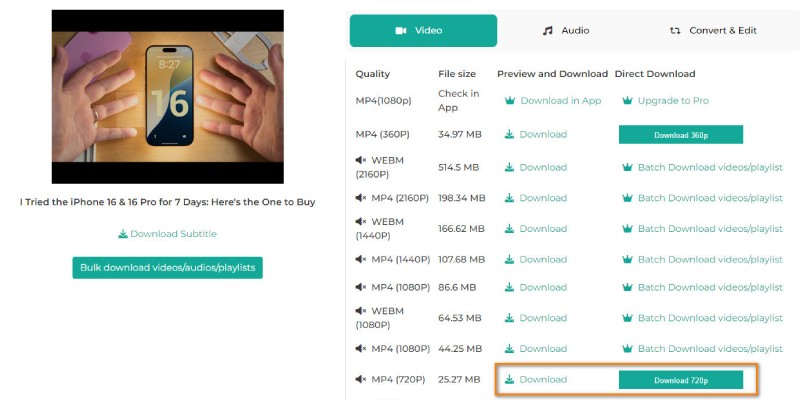
Next, please navigate to our Tubi Video Downloader online, paste the link you copied from the Tubi website, and hit the Enter button. After that, this downloader will analyze the link and present you with the output options.
Now select your preferred resolution with the format you want. Then, click the "Download" button, and our tool will start downloading the videos immediately.
Tubi TV is a free streaming service with over thousands of movies and TV shows across different genres. You can watch content without paying a subscription fee, but it does come with occasional ads. It's a great place to enjoy both classic favorites and newer releases without spending a cent.
Tubi TV is meant for online streaming, so downloading videos directly from the site isn't officially supported. However, using a third-party tool to save videos should be done for personal use only. This way, you can enjoy your shows offline without breaking any copyright rules.
Yes, the downloader works smoothly on popular browsers like Chrome, Firefox, Safari, Edge, and more. Meaning, you don't need to install anything extra. Just open your browser and start downloading. It's designed to be simple and compatible so that anyone can use it.
Unfortunately, yes, there's a limit of 5 downloads per day. This helps keep the tool running smoothly for everyone and prevents system overload. You can always come back the next day to grab more of your favorite shows or movies.
No, you don't need to sign up or create an account to use the downloader. Just paste the Tubi TV video link, select your desired quality, and start downloading immediately. It's quick, easy, and hassle-free.
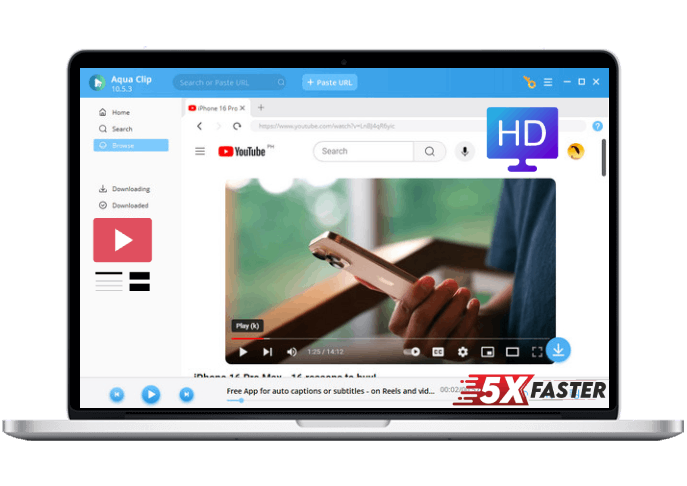









 Aqua Clip